











9 Best Website Visitor Tracking Software Tools: Features, Benefits, & ROI

Over 98% of website visitors never convert. They simply drop in and leave, and you never get to know who they are, let alone engage them.
But you can change that in 2026. With website visitor tracking software, you can de-anonymize, qualify, and engage visitors your competitors are missing on.
Here’s a closer look at the tech behind it, and how you can use it in sales.
Key takeaways
- Over 98% of website visitors leave without converting or identifying themselves. Visitor identification software de-anonymizes that traffic using IP data, cookies, and AI matching. This turns anonymous sessions into named contacts with job titles and company context, without any form fills.
- Tracking and identification are distinct capabilities. Tracking shows what a visitor did, and identification reveals who they are. Only tools that offer both give sales teams the timing context and contact data needed to act on a visit.
- Speed is a measurable conversion lever. Reaching a prospect within 5 minutes of a high-intent visit makes them roughly 10 times more likely to convert than waiting 30 minutes. Only tools with person-level identification and automated outreach can consistently hit this window.
- Identified visitors convert at a far higher rate than typical inbound leads. 1 AiSDR customer converted 1 in 3 de-anonymized visitors into a booked demo, against an industry reply-to-demo average of 3–5%.
- Legal compliance in both the US and EU is achievable but requires deliberate design: consent banners, regional rules, short data retention, first-party scripts, and clear opt-out controls. Vendors who can’t explain their compliance methodology create legal exposure for every customer running their pixel.
What is website visitor tracking vs identification?
Website visitor tracking software shows what someone did on your site:
- Which pages did they view?
- How much time did they spend?
- Did they ever come back?
Website visitor identification puts a face and a name on that “someone”, even if they don’t fill out a form or log in. You get context like “ABC Corp viewed Pricing and Case studies 3 times this week.”
But… is it even legal to de-anonymize someone who didn’t tell you their name?
The short answer is yes.
You can do it in the US and the EU, so long as you comply with local law (more on this in the upcoming sections).
With tracking-only software, you still have anonymous traffic. It’s good for UX, but not as good for sales. Visitor identification gives you more warm leads and customers. Tracking alongside identification provides more context and improves follow-up timing.
When choosing a vendor, make sure to check if they offer website tracking, website visitor identification, or both.
Best website visitor tracking and identification tools in 2026
Many platforms can identify website visitors, but only a few do that in a responsible, fully compliant way and provide sufficient data to act on.
Here are 9 tools that identify website visitors or both track and identify them.
AiSDR
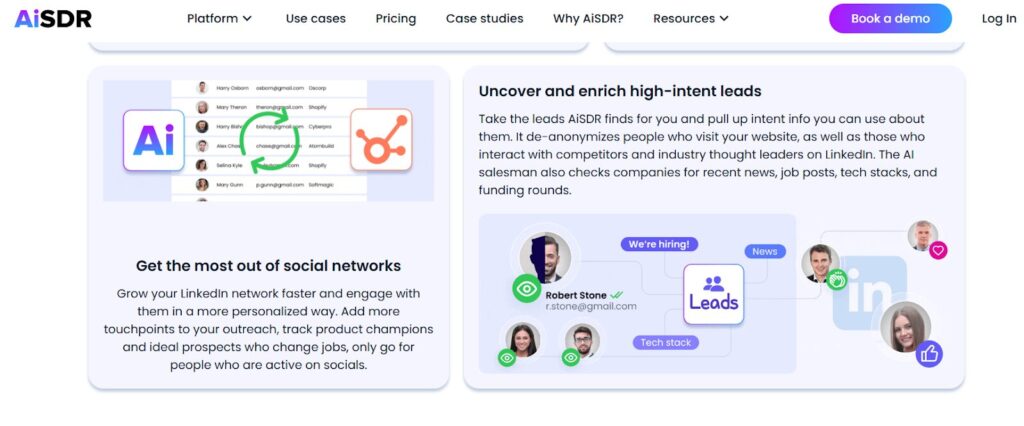
AiSDR does both website visitor tracking and identification, turning window shoppers into actual leads.
(Source)
Key features
- Matches anonymous website visits with detailed LinkedIn data
- AI Strategist to ideate and run a follow-up play autonomously
- Website visits tracked among 300+ buyer intent signals
- Outreach triggered automatically when a certain intent threshold is achieved
User quotes
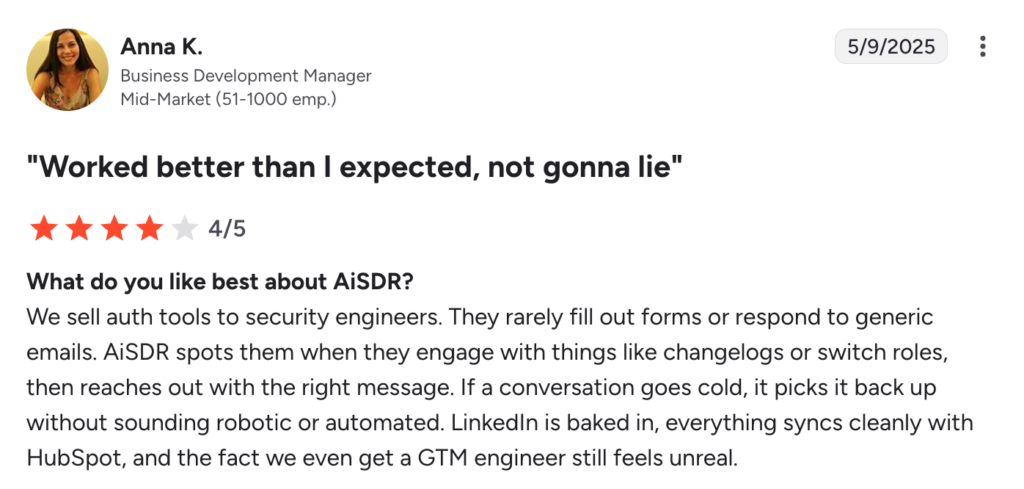
ESLNA, a global logistical provider, scored a 32% reply-to-demo rate with “hidden” leads they captured using AiSDR.
“We sell auth tools to security engineers. They rarely fill out forms or respond to generic emails.” (Anna K., Business Development Manager at ESLNA)
(Source)
Price: Starts at $1.50 per lead contacted
Use-case fit: For teams that want website visitor tracking, identification, automated outreach, and performance monitoring all under one roof.
Limitations: No Pipedrive or Zoho integrations.
Your best leads are already on your site
RB2B
RB2B de-anonymizes website visitors without tracking. To track their behavior, you’ll need a different tool.
(Source: R2B2 home page)
Key features
- Matches visits with names, LinkedIn profile links, and emails
- Sends real-time push notifications to Slack
- Provides person-level rather than account-only insights: identifies a person behind each visit, not only their company
User quotes: “Installed the pixel in March 2025 […] and closed 5 large-scale deals by August; real-time LinkedIn profiles to Slack made outreach fast.” (G2 review)
Price: Starts at $79 per month for 300 monthly resolutions (free plan available)
Use-case fit: For teams that already use website visitor tracking but need to put faces on anonymous visitors.
Limitations: No built-in outreach tools, and person-level identification only works for US-based visitors.
Warmly.ai
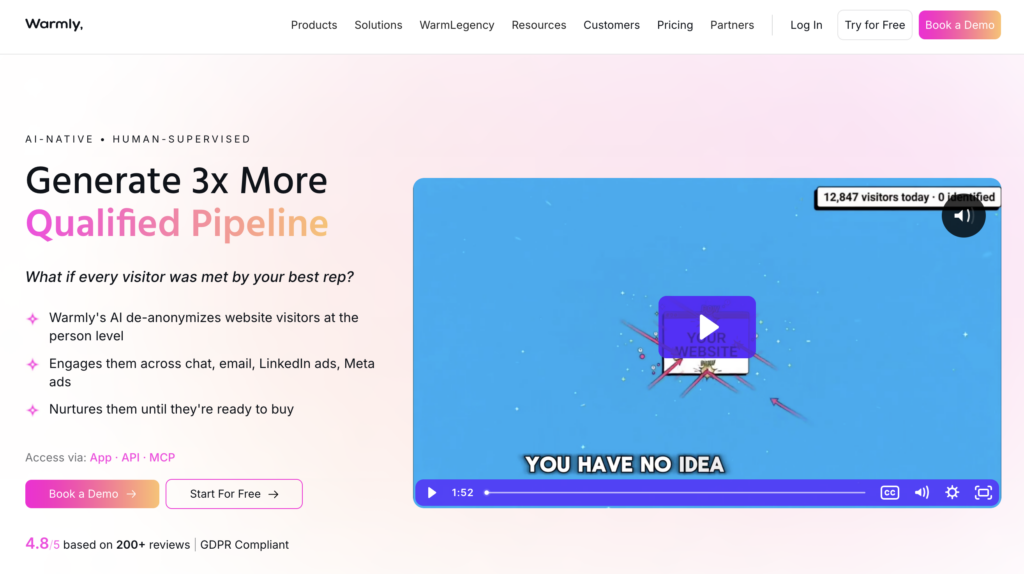
Warmly identifies website visitors at the person and company level, then engages them on the spot with AI chat and routes high-intent visitors to reps before they leave the site. It runs 2 AI agents on a shared data layer: an Inbound Agent (AI sales chat) that converts on-site traffic and a TAM Agent that handles outbound audience building, buying committee identification, intent scoring, and enrichment.
(Source: Warmly.ai home page)
Key features
- Runs 2 AI agents (one for inbound and one for outbound)
- Data is optimized using a waterfall approach covering 20+ data providers
- Use 2 other website visitor identification solutions to validate and improve contact data accuracy
User quotes: “It also helped us target our audience more effectively in our ad campaigns, improving ad performance by 10–15%.” (G2 review)
Price: Starts at $10,000/year
Use-case fit: Mid-market B2B teams that want person-level visitor ID plus inbound and outbound orchestration in one platform.
Limitations: Steep entry price for smaller teams and early-stage start-ups.
Leadfeeder
Leadfeeder identifies website visitors and tracks their behavior. However, it only reveals a company name, not a person.
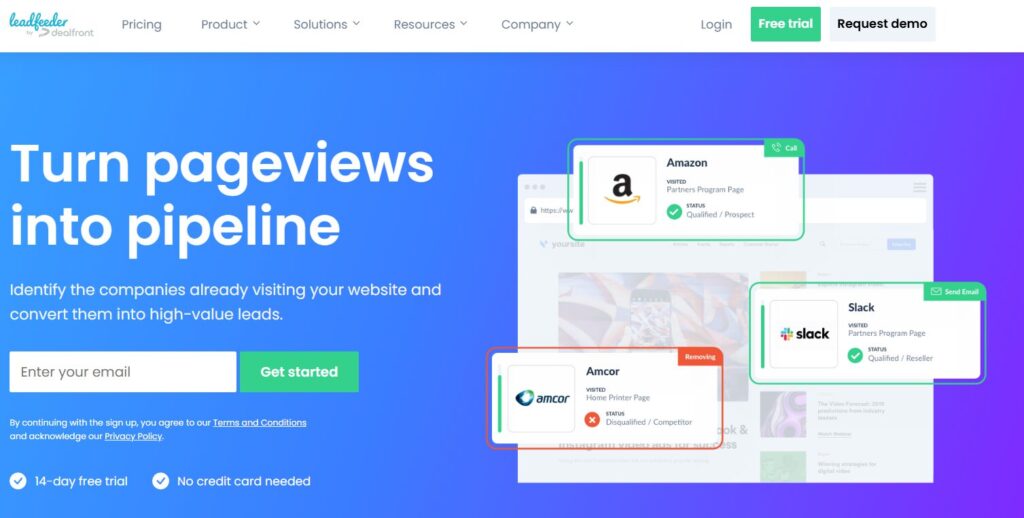
(Source: Leadfeeder home page)
Key features
- Fine-grained on-site behavior tracking
- Sends real-time email or Slack updates
- Works even for remote employees, still identifying them as company traffic
User quotes: “Straightforward to use. […] Identifies companies visiting our website and syncs to our CRM for timely follow-ups.” (G2 review)
Price: Starts at $99 (free plan available)
Use-case fit: For teams that want detailed behavior insights paired with company names.
Limitations: No built-in outreach or automation.
Albacross
Albacross tracks and identifies website traffic while monitoring buyer intent signals at the company level.
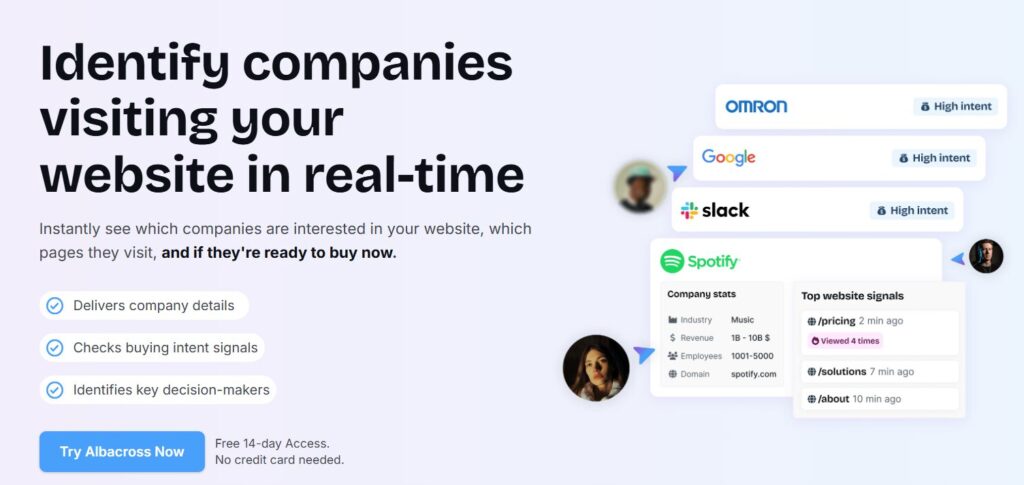
(Source: Albacross home page)
Key features
- Matches website visits to company data
- Identifies decision-makers inside visitor companies
- Auto-engages visitors with high buyer intent
User quotes: “Easy to integrate and use. […] A key tool in our ABM playbook; helps capture demand and retarget.” (G2 review)
Price: Starts at €79 per month.
Use-case fit: For teams that prefer account-based outreach rather than a deeper personalization.
Limitations: Company-level identification only, and annual contracts required.
Breeze / Clearbit
Breeze (formerly known as Clearbit) runs AI-powered website visitor identification inside the HubSpot ecosystem.
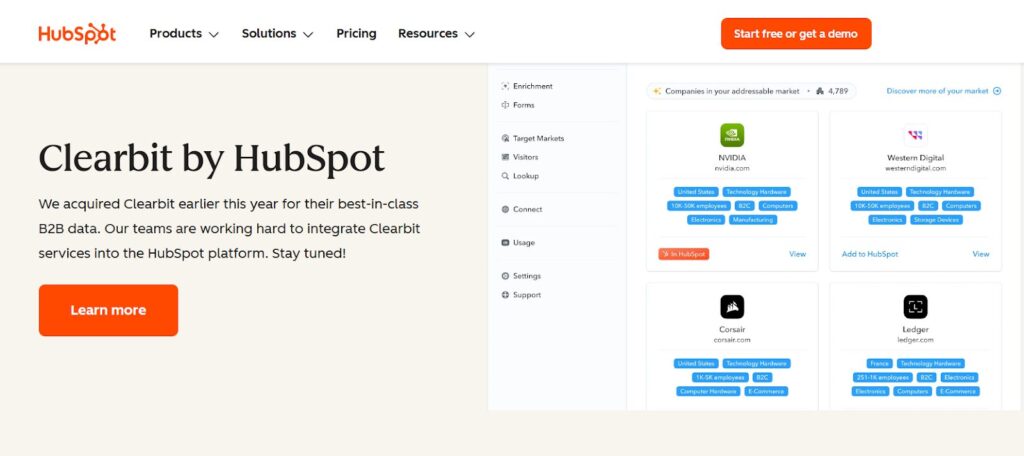
(Source: HubSpot website)
Key features
- Matches anonymous traffic with intent signals tracked by other HubSpot tools
- Integrates natively with HubSpot CRM
- Displays output in the HubSpot dashboard
User quotes: “Great tool for identifying site traffic. […] Slack alerts when identified traffic hits our site; pairing with HubSpot is exciting post-acquisition.” (G2 review)
Price: Starts at $45 per month
Use-case fit: For teams already using HubSpot for CRM and sales outreach.
Limitations: Paid HubSpot subscription is required, and credits reset monthly with no rollover.
Stop losing leads to the dark funnel
Bombora
Bombora does website visitor identification, buyer intent tracking, and identity enrichment, but no on-site behavior tracking.
(Source: Bombora home page)
Key features
- Rich built-in database from multiple third-party providers
- Identity enrichment: pulls all available data about visitors from its database
- Delivers visitor insights as a daily or weekly feed
User quotes: “Helps me decide who to target first when prospecting.” (G2 review)
Price: Custom quote required
Use-case fit: For teams that already use a tracking tool for on-site behavior and want to scale their intent-based outreach.
Limitations: Account-level identification only.
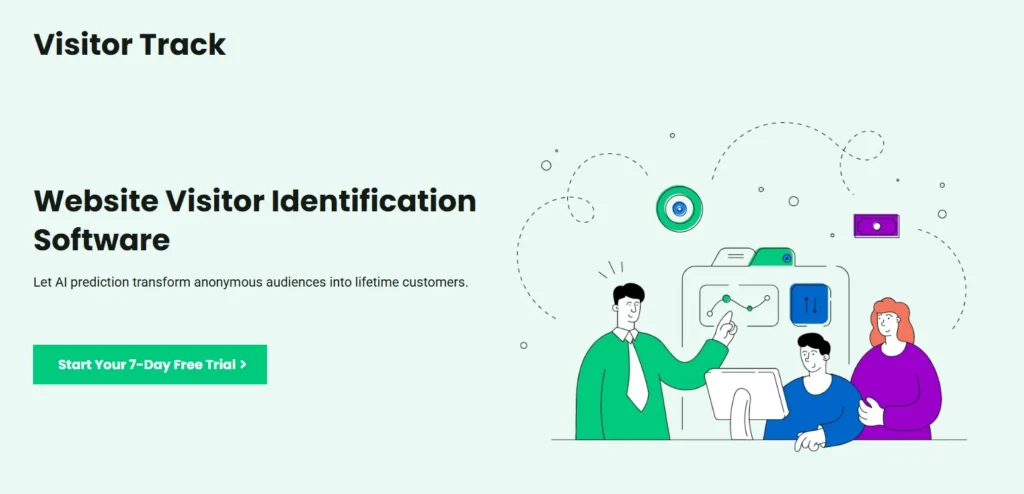
VisitorTrack
VisitorTrack is an identification-only software. It doesn’t do behavior tracking.
(Source: VisitorTrack home page)
Key features
- Matches visits with email addresses (names, phone numbers, and other data available only for some contacts)
- Uses AI prediction for more accurate lead scoring
- Easy setup: average time estimated at 30 seconds
User quotes: “In simple terms, VisitorTrack shows us who comes to our website, when, where, and what they looked at. […] It lets us market better.” (TrustRadius review)
Price: Starts at $199 per month.
Use-case fit: For teams that prioritize speed and easy setup over data breadth.
Limitations: No behavior tracking (you see who visited, but not what they did on your site)
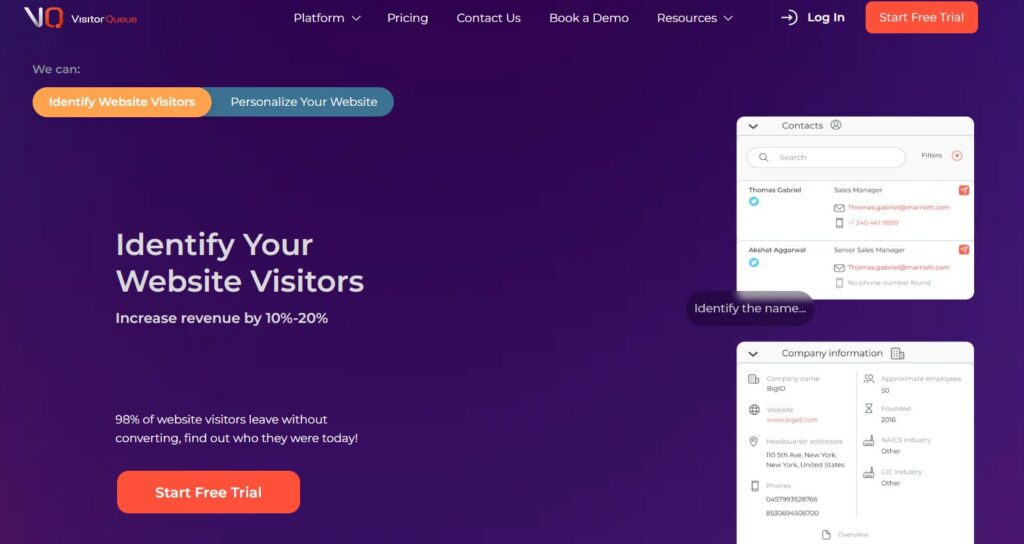
VisitorQueue
VisitorQueue offers website visitor tracking and identification, but some data, such as names, may be missing for certain contacts.
(Source: VisitorQueue home page)
Key features
- Identifies decision-makers inside visitor companies
- Offers tools to personalize the website experience for each visitor
- Affordable pricing
User quotes: “Super easy setup. […] Data is actionable; sales loves it for pointing to warm leads.” (G2 review)
Price: Starts at $31 per month.
Use-case fit: For teams focused on cost savings and boosting UX alongside sales.
Limitations: Limited automation options and integration capabilities
Revenue impact of visitor tracking and identification
Visitor tracking and identification can grow your ROI in more than one way.
Capture hidden demand and “dark funnel”
Most visitors never fill out forms. They check your Pricing page, then they’re gone for good.
But something about your product must’ve captured their interest before they bounced. If you don’t find this out and re-engage them, they might end up buying from a competitor. Such lost opportunities are often known as a “dark funnel.”
With visitor identification, you can pull these leads from the dark and into the light – and sell to them.
Improve lead quality and fit
Are those silent visitors a good fit and potential customers? You’ll never know, unless you identify them.
Identified leads go into the scoring process. The high-intent ones are then handed over to the sales team.
Our customer had one out of three “unmasked” leads book a demo. Considering that the average reply-to-demo conversion in many industries is only 3-5%, this figure speaks volumes about how good the leads were.
Accelerate sales outreach
Reaching prospects within five minutes of taking action, like visiting your website, makes them roughly ten times more likely to convert than waiting thirty minutes.
Using AI-powered identification and automated outreach, you can hit that five-minute window with every visitor who scores high enough on buyer intent.
An important caveat: this only works with a tool that identifies a person behind the visit, not just their company.
Amplify ROI
The hidden demand you capture by identifying website visitors naturally converts into a higher ROI. The cost of tracking and de-anonymization is much smaller than the value of products or services you can sell to these new leads.
Our customers report an average revenue growth of 15% from month one. AiSDR does much more than track and identify website visitors, but de-anonymized leads that convert into customers make up a significant part of that increase.
Improve other metrics
How do you know if identifying website visitors is right for your team? Track these metrics:
- Share of traffic matched to accounts over time
- Lift in meeting rate from identified high-intent visits
- Time-to-first-touch before vs after identification
- Pipeline created per identified account
There’s no one-size-fits-all benchmark to measure up to. But our customers report at least 1-3 meetings booked per 100 leads. With a high-value product, this translates into hundreds of thousands of dollars in revenue.
Is there any way to know in advance that a specific tool will work well for you? We’ve prepared a checklist to help.


Skip the demo
Drop your URL and we’ll send back outbound strategies, a few real target companies, and a pitch written to you as a prospect.
Then reply with questions, pushback, or anything else on your mind. The AI takes it from there.
How to evaluate visitor tracking and identification tools (buyer framework)
When considering a new tracking and identification software, use this rubric to rate it.
Integration
- Native connectors to your CRM, minimum advertised price (MAP), and customer data platform (CDP)
- Clean fields, no duplicates
- Bi-directional sync for status, campaigns, and suppression lists
- Hassle-free setup, clear docs, and sandbox support
Real-time alerts and processing speed
- Pageview to alert in seconds, not hours
- Routing by account, territory, and intent
- Quiet hours and noise controls so reps trust notifications
Identification accuracy and false positive risk
- Verifies identity with more than IP only
- Filters bots, ISPs, and shared networks
- Shows confidence scores
- Easy spot checks against CRM and email engagement
Depth of automation and orchestration
- One-click actions to create tasks and launch sequences
- Rules for follow-ups by page, source, and fit
- Plays for repeats, new accounts, and target lists
- Works across channels: email, ads, chat, and direct mail
Scalability, support, and SLAs
- Handles traffic spikes without delay
- Customer support available
- Clear uptime, data delay, and export SLAs
- Transparent pricing structure without surprise jumps
Proof, case studies, and ROI metrics
- Public case studies with pipeline or meeting lift
- References you can call
- Stats for match rate, time to first touch, meetings, and revenue from identified cohorts
- Ability to run A/B tests
Data governance, opt-out, and privacy controls
- First-party tracking options
- GDPR and CCPA-compliant workflows
- Consent banners, regional rules, and do-not-track requests honoring
- Easy data export, deletion, and suppression management
A reliable vendor must tick all the boxes and be legally compliant wherever they operate.
Legal and compliance considerations for tracking and identification
A recent surge of lawsuits in the US frames web tracking and identification as “wiretapping” or “trap and trace.” Risk spikes with session replay, chat widgets, and fingerprinting without notice.
Responsible providers mitigate this risk by asking for consent and storing only the data they need, temporarily.
State and US laws to watch
- California Invasion of Privacy Act (CIPA): Often used for wiretap or “trap and trace” claims against sites that track without clear consent.
- Federal Electronic Communications Privacy Act (ECPA): Plaintiffs argue “interception” by vendors.
Privacy frameworks and consent
- GDPR: Use consent for non-essential cookies and identification.
- CCPA/CPRA: Give notice, offer opt-out, and honor “Do Not Sell or Share” where applicable.
- Practical steps: Provide a clear cookie banner, preference center, opt-out links in footer, and a plain-English privacy notice that explains data usage.
Best practices by design
- Track the minimum (start with account-level only, add contact-level data after consent)
- Prefer first-party scripts and strip sensitive fields
- Short retention (90 days beats “forever” storage)
- Role-based access
- Run a basic Data Protection Impact Assessment (DPIA) and keep a data map
Ways to mitigate risks for a software user
- Turn on regional rules (stricter in the EU and California)
- Use a cookie banner to ask for consent (by clicking “Accept all,” the visitor agrees to be tracked and identified)
- Geofence or disable session replay on login and checkout pages to avoid picking up the visitor’s sensitive data
- Configure “quiet” defaults applying only essential, first-party cookies before the visitor gives their consent
- Train reps not to reference specific page views unless the visitor consented
- Pilot the software with a small region or traffic slice before full rollout
When choosing a vendor, check if they observe the privacy frameworks listed above and follow best design practices. Once you start tracking visitors, make sure to add a cookie banner and “quiet” default mode to your website. These steps will reduce the risk of legal liability to near-zero.
Step into your visitor’s shoes



Learn what website visitor tracking and identification are, and how they can help you power your outreach
 Summarize with
 ChatGPT
 Claude
 Perplexity
 Grok
Grok 
 Google AI