








AiSDR Product Spotlight #57: AiSDR’s New Messaging Engine

Every AI SDR promises on-brand messaging. Very few deliver it without a fight.
Getting AI to sound like your team has always required strong prompting skills and a GTM engineer rebuilding things behind the scenes. Not to mention lots of trial and error.
Most teams end up with messaging that’s close but not quite right, and no clear way to fix it themselves.
That’s exactly what AiSDR’s new Messaging Engine is built for.
✍️ Built to sound like you
Think about the best salesperson on your team. They know your product, tone, and market, as well as how to tailor each message to every person without sounding robotic.
This is precisely what a great sales persona does for AiSDR.
The new Messaging Engine takes that farther. Define your brand voice once and every message across every channel sounds like it came from your best rep on their best day.
What’s new
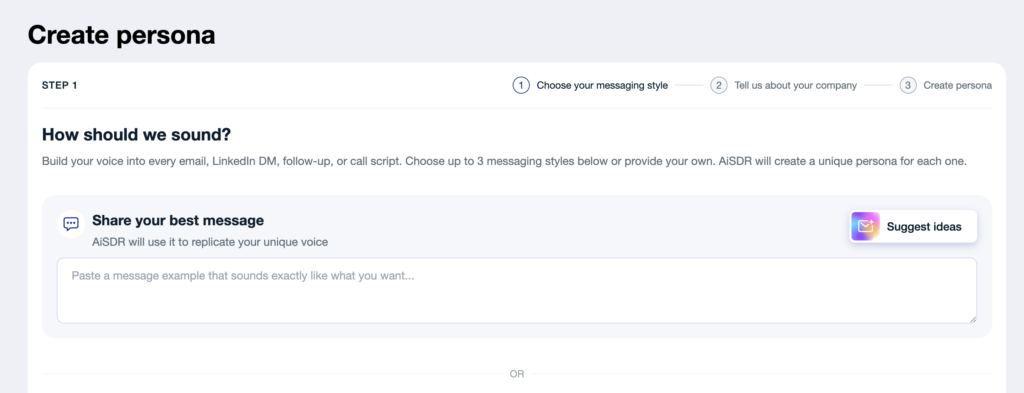
The old Messaging Engine was a centralized hub for all your brand voice rules, and it worked well. But as AiSDR started supporting more channels and multimedia outreach, a single set of rules could only take you so far.
After all, what works for a cold email doesn’t always work for a LinkedIn DM. And what belongs in a follow-up shouldn’t go into your first message.
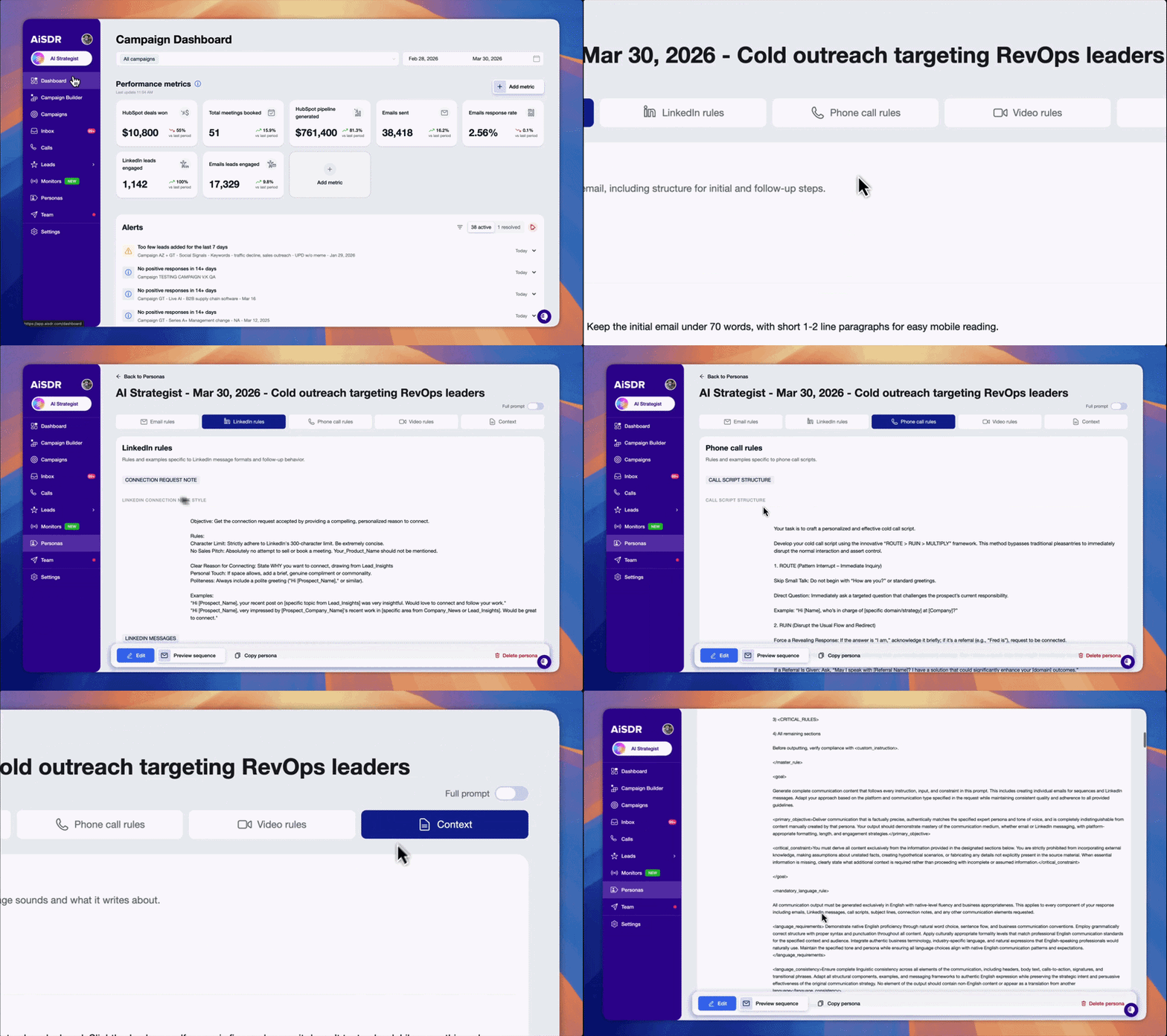
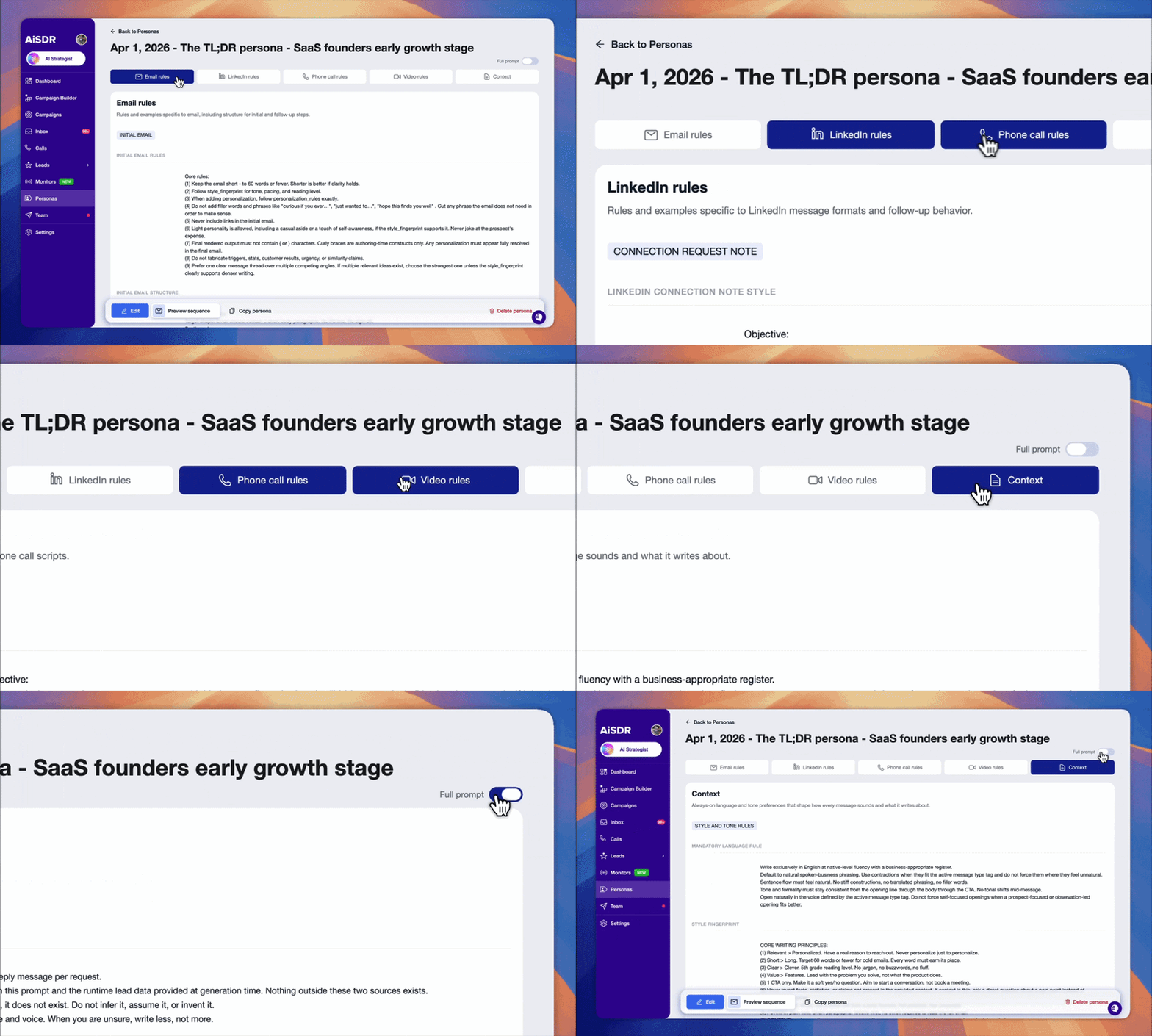
Now every channel and media format has its own dedicated rules:
- ✉️ Emails
- 🔗 LinkedIn DMs
- 📞 Phone calls
- 📽️ Videos
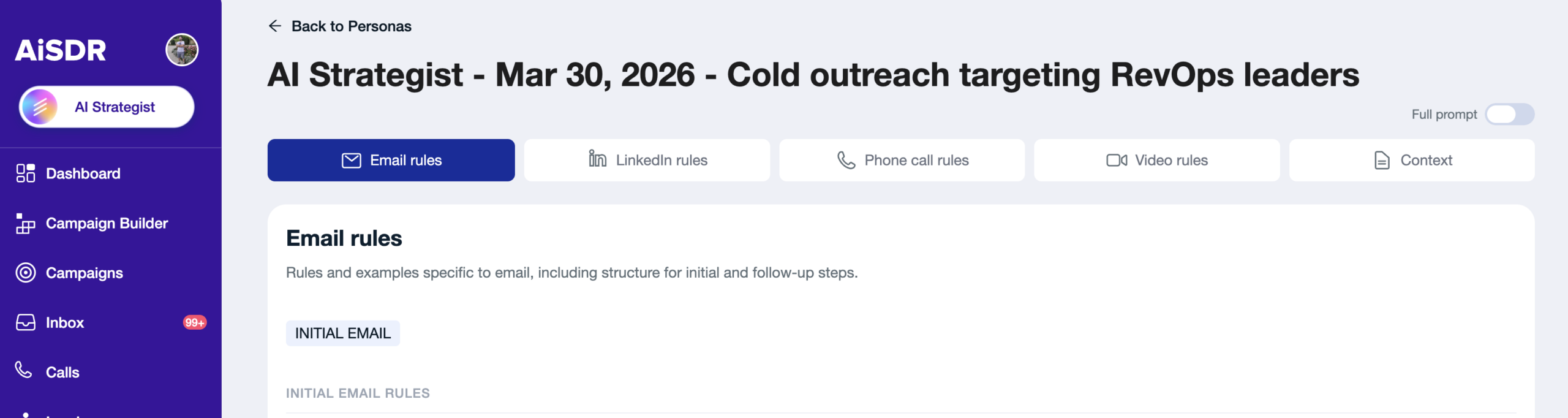
The UI has been completely rebuilt so you always know where to look, what to change, and why a change applies or doesn’t.
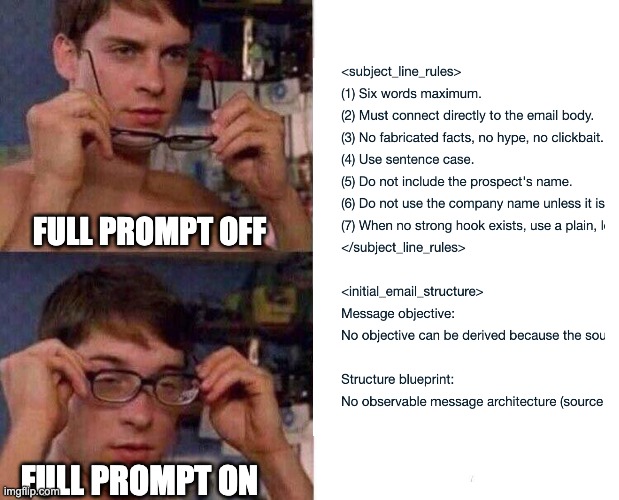
And Persona admins can now view the full prompt, giving them complete visibility into the prompt logic that defines how messages get generated.
Account-level company context is also available now.
Add your brand information once as a text description or a file upload, and AiSDR applies it as a foundation across every persona.
Change it once and it updates everywhere.
Why the new Messaging Engine is a game-changer
Persona configuration has been one of the biggest sources of friction in getting AI outreach to feel right. Teams spend hours tweaking, retesting, and looping in their GTM engineer every time something feels off, with no clear way to diagnose the problem themselves.
The new Messaging Engine removes that bottleneck entirely.
Channel-specific rules mean changes apply where you intend them to. And the rebuilt UI makes it easy to audit, adjust, and understand what’s driving your outputs.
Account-level context means you’re never starting from scratch again.
You spend less time fine-tuning and more time closing.
Getting the most out of it
There are a few things worth knowing before you dive in:
❌ Start with one channel at a time. Lock it in before moving to the next. Trying to configure everything at once opens you up to problems.
❌ Use the full prompt view before launching. If you’re a Persona admin, toggle it on and audit your rules before your campaign goes live. Catching issues early saves hours of iteration.
❌ If outputs feel off, look for contradicting rules. The new UI makes these much easier to spot. One conflicting instruction can throw off an entire channel.
Blog Spotlight: What is DMARC?
(Read the full post → What is DMARC?)
Getting your messaging right is only half the battle. The other half is making sure it actually lands in the inbox. Find out how to set up DMARC for your sending domains if you haven’t done so yet.
Try out AiSDR’s Messaging Engine today




See how AiSDR’s new Messaging Engine puts you in control of your outreach
 Summarize with
 ChatGPT
 Claude
 Perplexity
 Grok
Grok 
 Google AI