









Turn pricing page visitors into paying customers




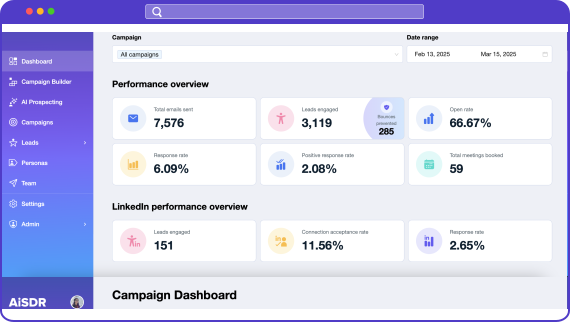
Results you can expect
How pricing page visitors retargeting play works
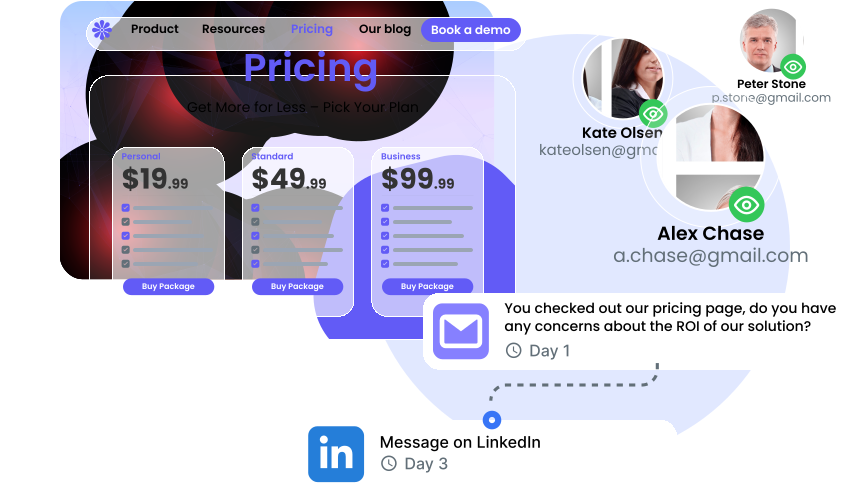
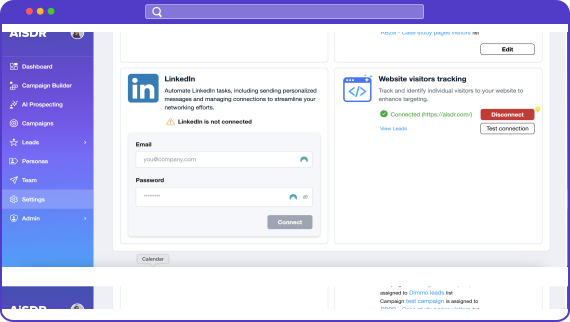
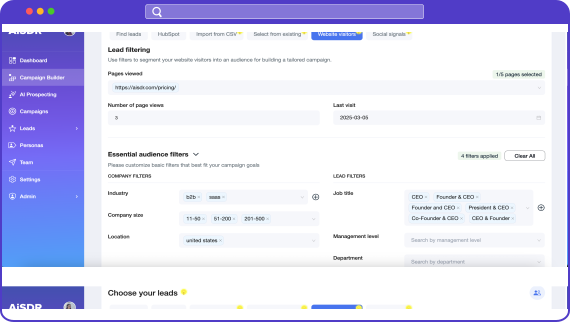
Add a simple code snippet to your pricing page and your AI SDR agent will start gathering leads who check it out. You’ll get the who, when, where from, and how many times they visit your pricing.
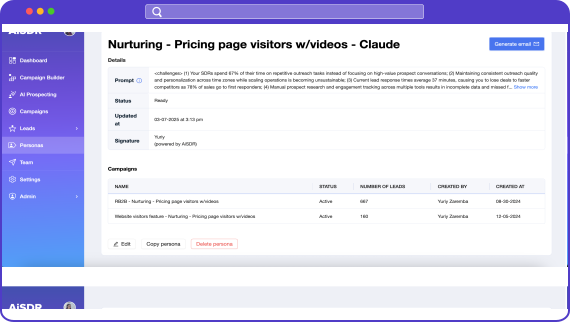
Jot down the messaging that highlight your solution’s value and your GTM Engineer will create a persona that shows why you’re better than competitors.
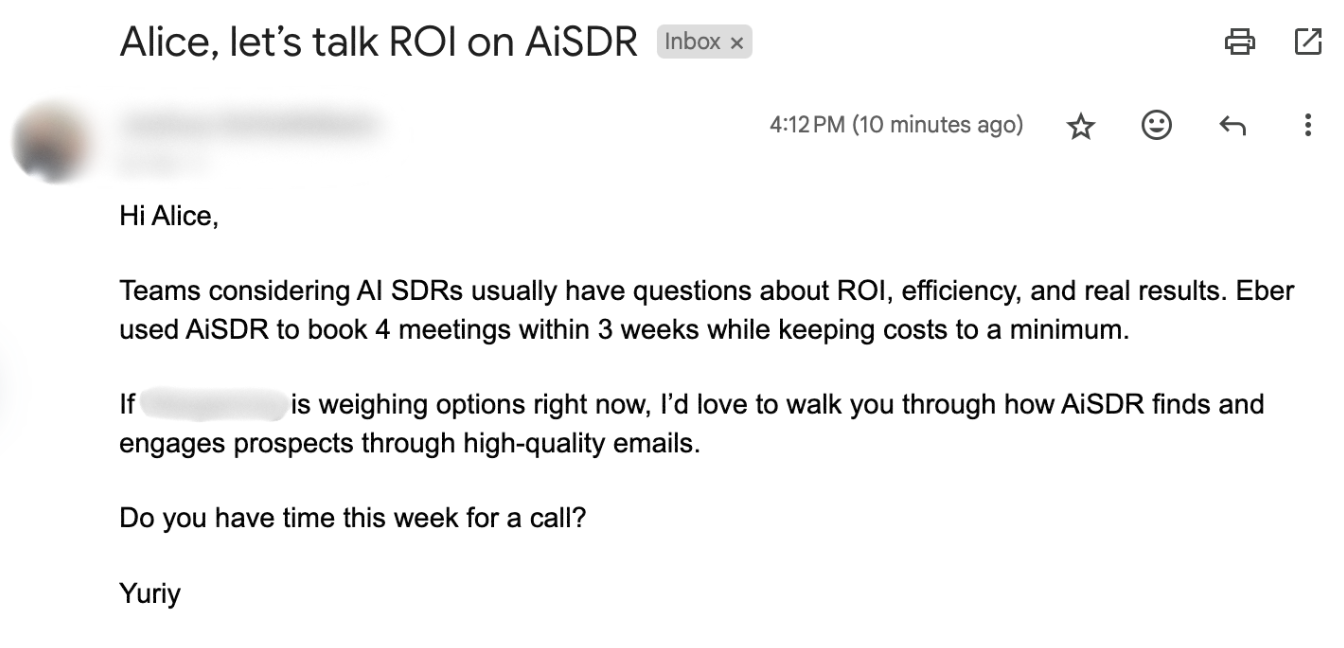
Pro tip: Focus on the most common concerns around the ROI, efficiency, and the results. Share success stories and feedback from real customers.
Only go after prospects that mean business. Exclude people outside of your ICP and target market by adjusting company and lead filters.
Pro tip: Keep the date of the last visit within 2-4 weeks max to lock the intent in before it fades.
They found your pricing. They’re calculating value. Don’t let them slip away without hearing from you. Keep AiSDR on the lookout for new visitors and seal the deal with well-timed AI outreach.

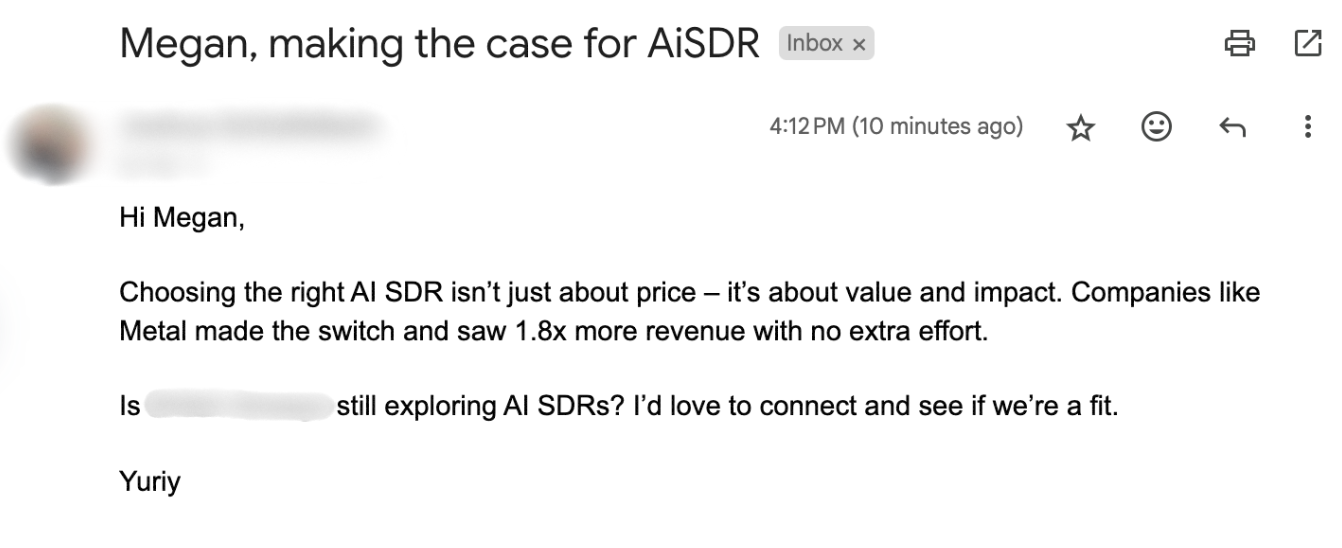
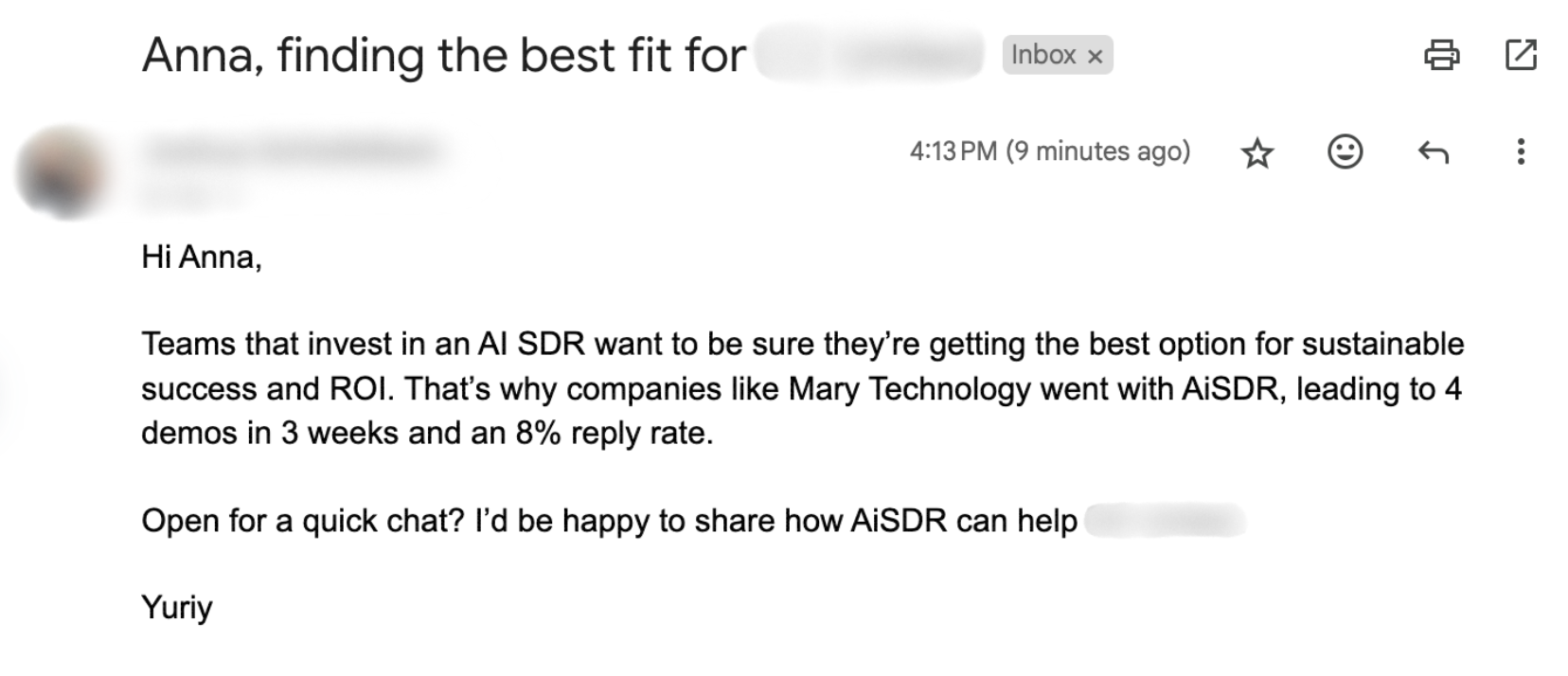
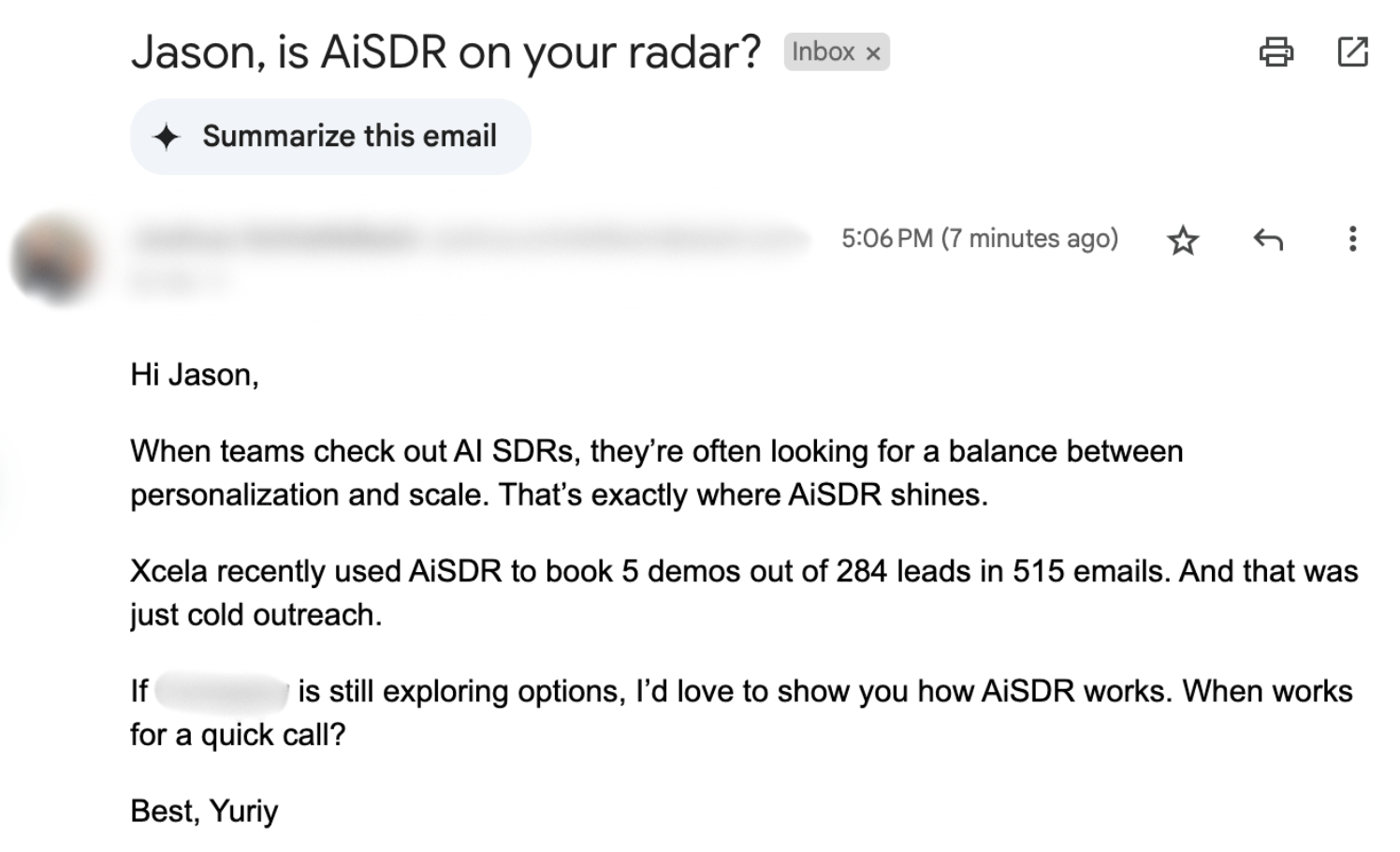
Sample emails for qualifying inbound leads

We ran every play on ourselves
More sales plays for you
Re-engage demo page visitors who didn’t book a meeting

Win over users of competitor technologies
Reach out to your competitor’s LinkedIn network
Frequently Asked Questions
Can AiSDR identify visitors on my pricing page? 
Definitely! AiSDR can track and identify visitors to your pricing page. All you need to do is make sure the tracking pixel is installed.
Will AiSDR de-anonymize all of my traffic?
Not at this stage, not yet – but we’re working on it! While no AI can currently track every single visitor, AiSDR ensures that all collected data you get is 100% accurate.
Is there a minimum amount of traffic I need to launch this sales play?
How much does this cost?
This GTM sales play is available as part of your AiSDR subscription, so you don’t pay extra for setting it up.
How quickly does AiSDR engage pricing page visitors?
AiSDR keeps an eye on your pricing page and identifies anyone who visits. If a person matches your lead criteria, their data is enriched and they get added to your campaign. AiSDR will then send them a follow-up email within the next 24 hours while you’re still top of mind.
How can I filter out unqualified pricing page visitors?
You can filter out your pricing page visitors with the help of AiSDR filters like:
- Pages visited
- Number of page views
- Job title
- Department
- Management level
- Company size
- Industry
- Last visit
What types of outreach can AiSDR send to pricing page visitors?
AiSDR automates outreach through emails, text messages, and LinkedIn connection requests and messages. You can also adjust the message sequence, timing, and channels, and have the AI generate a personalized call script for each prospect that your sales reps can use when dialing them.
Can I target visitors to more than just my pricing page?
Absolutely! You can set up retargeting campaigns for multiple pages, as long as they have their own URL. For best results and to avoid watering down your messaging, you should target no more than 1-3 pages at a time based on visitor intent.
What data can AiSDR collect about visitors to the pricing page?
First and foremost, AiSDR tells you how many times they’ve visited the page and the date of their last visit. It also provides you with the context about who the visitors might be: their job title, management level, department, company size, industry, and location.
How quickly can AiSDR recognize repeat visitors and change the interaction strategy?
Pretty much instantly. If someone comes back to your site, AiSDR can recognize them and use their previous activity to personalize outreach, like skipping the intro or referencing what they’ve already seen.
Can I integrate AiSDR with my CRM or email marketing tools?
Yes, you can. AiSDR works with HubSpot, so each lead’s info, activity, and updates flow directly into your existing setup. That way, everything stays connected and you don’t have to do the extra work.
Our AI landed
meetings for clients
with these giants
were out of reach